🎧 Start as a VTuber Without Spending Money (or Almost None): A Real Guide for a Zero to Minimal Budget
Hey hey! 💖 If you can already picture yourself saying “Welcome to my channel!” with your ideal avatar, whether it’s magical, serious, funny, or just more you, that’s great: you’re already on your way. But maybe you’re also thinking:
“What if my setup is trash?” “What if nobody shows up to my first stream?” “Will people judge me because my avatar is simple?”
Relax. Almost everyone has those same thoughts when they start. And here’s the good news: you don’t need to spend a fortune to start as a VTuber. Seriously. A lot of people began with the bare minimum, and today they have real communities.
Plenty of people started exactly like you
In PNGTuber forums, beginner VTuber Discords, and streaming communities, you’ll find stories like these:
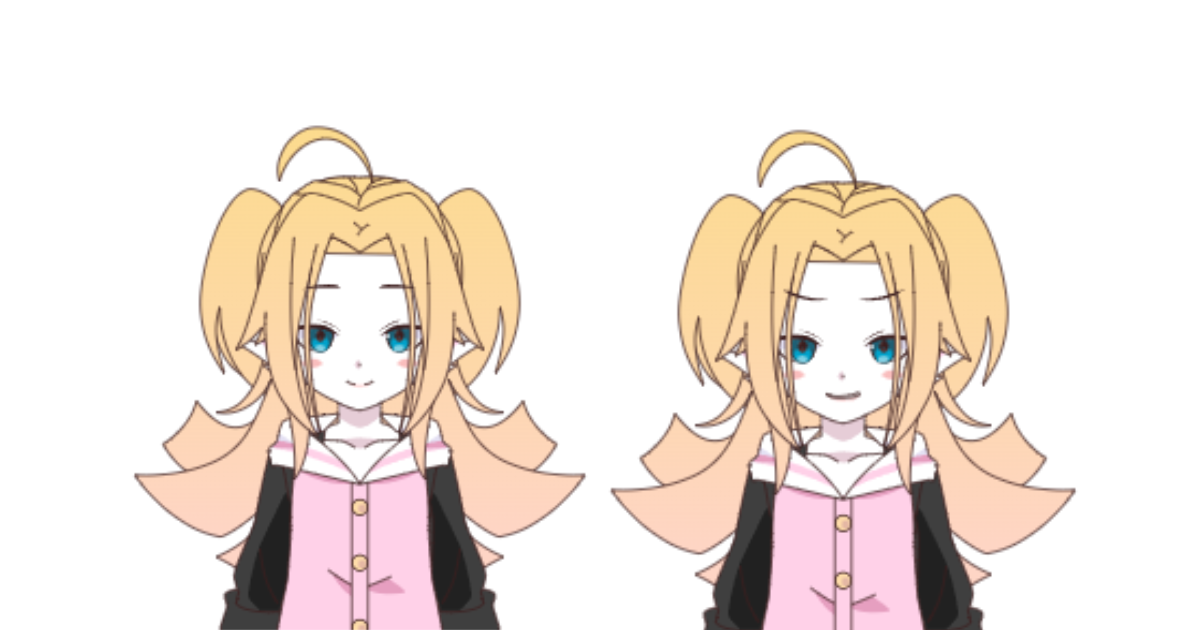
- Person A started with just two PNG images (one open mouth, one closed) made in Picrew.me.
- Person B used their phone as a microphone with the free app “WO Mic” because they didn’t have a proper mic.
- Person C did their first stream with free OBS, no overlay, no animations, just their avatar over a background and a few basic titles.
What matters here: a lot of them are still active. Some invested more later, others are still happy with a simple setup. What let them move forward was starting.
How to start as a PNGTuber (the most accessible free route)
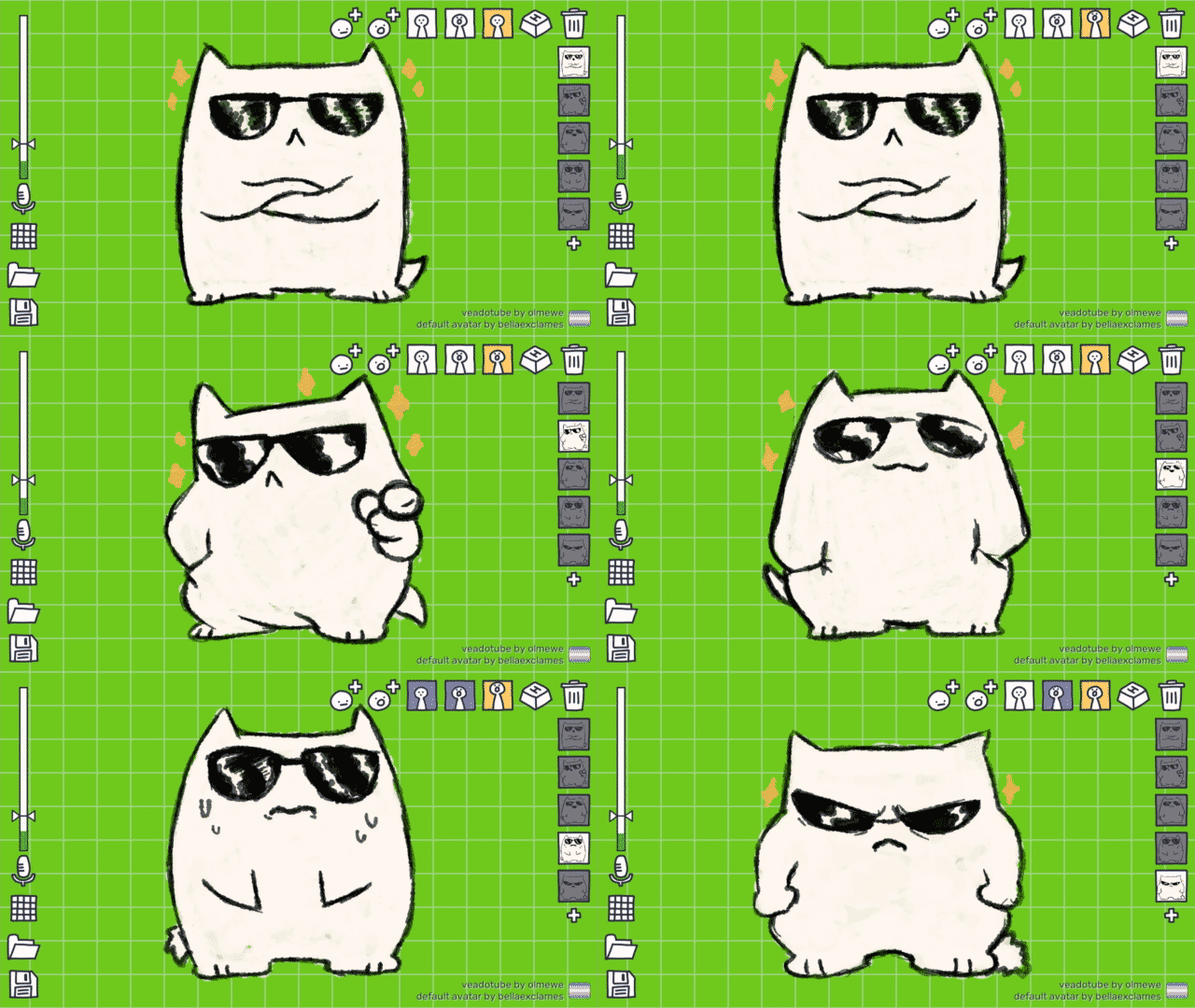
Veadotuber mini pngtuber model
What do you need to start today?
- Two images of your character, for example a neutral one plus one with an open mouth or a different expression. You can create these in Picrew.me or design them in Canva if you’re comfortable with editing tools.
- Free software to make your avatar react to your voice: Veadotube Mini, works without a camera, great for getting started.
- Free streaming software like OBS Studio, captures your game or screen plus your avatar, and you’re ready to launch your channel.
If you’d rather skip the DIY route, pixvt’s free resources directory has hundreds of free VTuber assets, Live2D and 3D vtuber models, overlays and emotes made by independent creators, each one linking straight to the original creator’s page.
🖊️ Real tip: the first time you see your avatar move with your voice, you’ll probably smile like a little kid. That moment is worth more than any expensive gear.
Microphone? Start with what you have. Upgrade later if you want.
If you don’t have a studio mic, use your phone with an app like “WO Mic” (free) connected to your PC. What matters most is that your voice comes through clearly. And if you want to go a step further down the road, here’s a recommendation for when you’re ready to invest: 👉 Recommended USB mic: Blue Yeti USB Microphone, widely mentioned as one of the best mics for streaming in 2025. (TechRadar)(Not required to get started, just an upgrade option for later.)
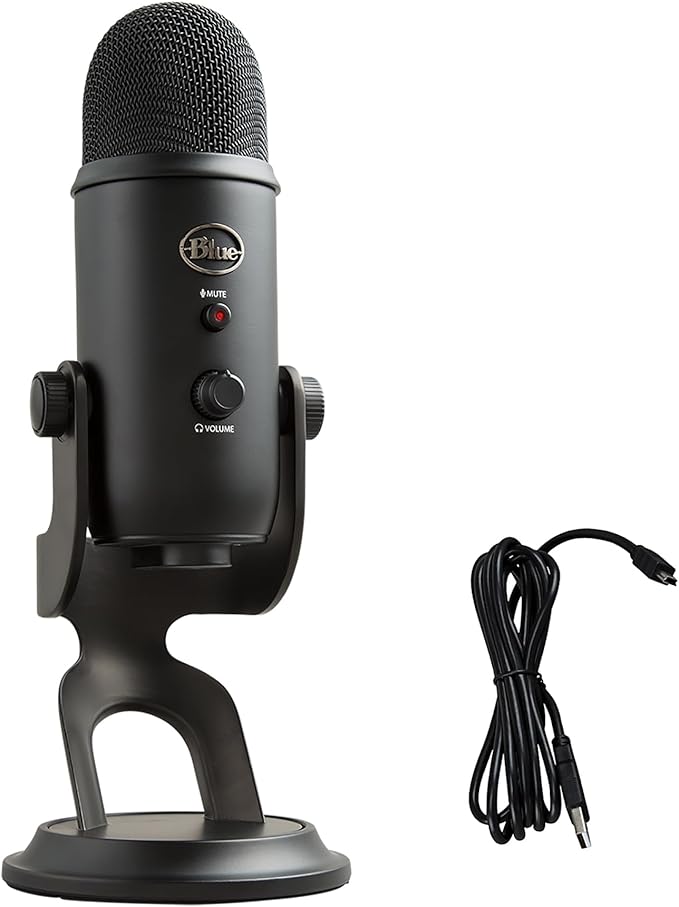
Blue Yeti USB Mic -image from Amazon
Recommended software and tips so you don’t get lost
- OBS Studio: free, powerful, but it can feel intimidating at first. That’s fine, keep it simple at the start: avatar, background, title.
- Canva (Free): for designing overlays, banners, and thumbnails without needing graphic design skills.
- CapCut (Free): for editing clips, reels, or highlights from your streams to use on social media.
If you want to see what else is out there before you commit to anything, pixvt’s tools directory rounds up free and paid VTuber tools by category, so you’re not stuck digging through forums trying to figure out what actually works.
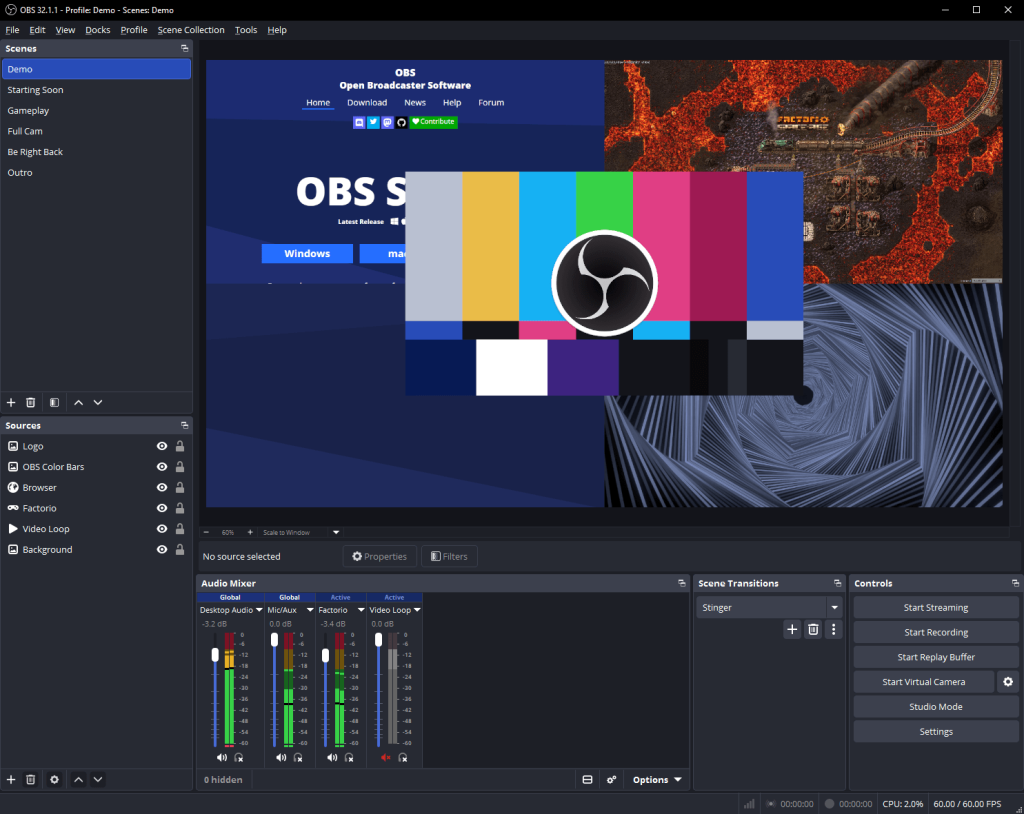
OBS – Open Broadcaster Software
🧠 Tip: the hardest part usually isn’t learning the software, it’s hitting “Go Live” for the first time. But once you do, that mix of nerves and excitement turns into adrenaline.
Real talk: dead air during your first few streams is completely normal, and it tends to make the nerves worse. Keeping something on hand for those awkward silences, like pixvt’s Silence Killer tool with quick questions and riddles, takes the pressure off so you’re not sitting there in silence trying to think of what to say next.
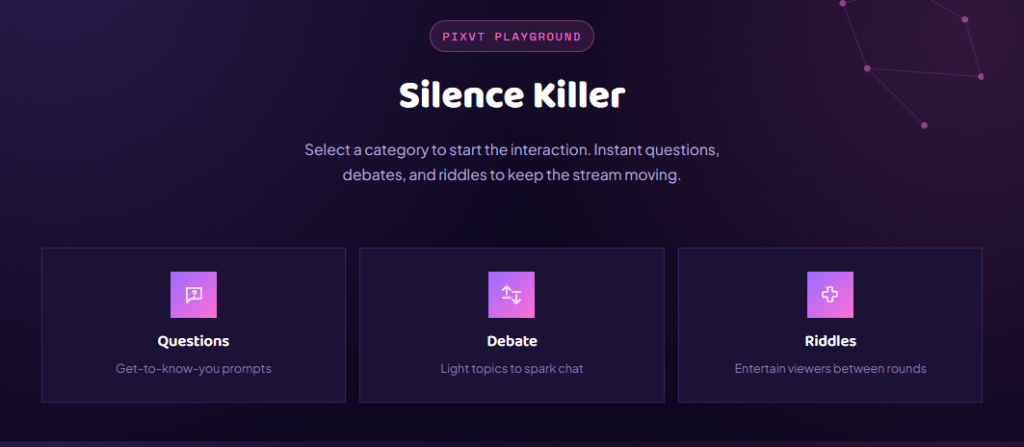
What if you want to invest later on?
Great that you’re already thinking about it, it means you’re moving forward. But investing before you know what you actually need can turn into wasted money. First, learn, experiment, connect with your community. Then:
- Live2D or 3D models: check pixvt’s free resources directory or Booth.pm for assets.
- Microphone, arm, and shock mount: once you notice your voice makes up a big part of your content.
- Lights and camera: only if you want to do streams with your camera on in addition to your avatar.
Bottom line: don’t wait to be perfect to get started
A lot of the VTubers you see succeeding today started with humble setups. The key difference is that they took the risk of starting with what they had. Your voice, your personality, your idea, that’s what actually matters. 🌟 The best time to start is now.