
Polls, Points, and Wheels: The Interactive Tools That Actually Keep Chat Involved (Part 3)
*Last part of our stream engagement series. Parts 1 and 2 covered presence and conversation, here’s where the tools come in.*
Talking to your chat gets you most of the way there, but interactivity is what separates streaming from every other kind of video content. Viewers on Twitch or YouTube Live aren’t just watching, they can actually change what happens next. The streamers who use that well tend to build stickier communities than the ones who don’t.
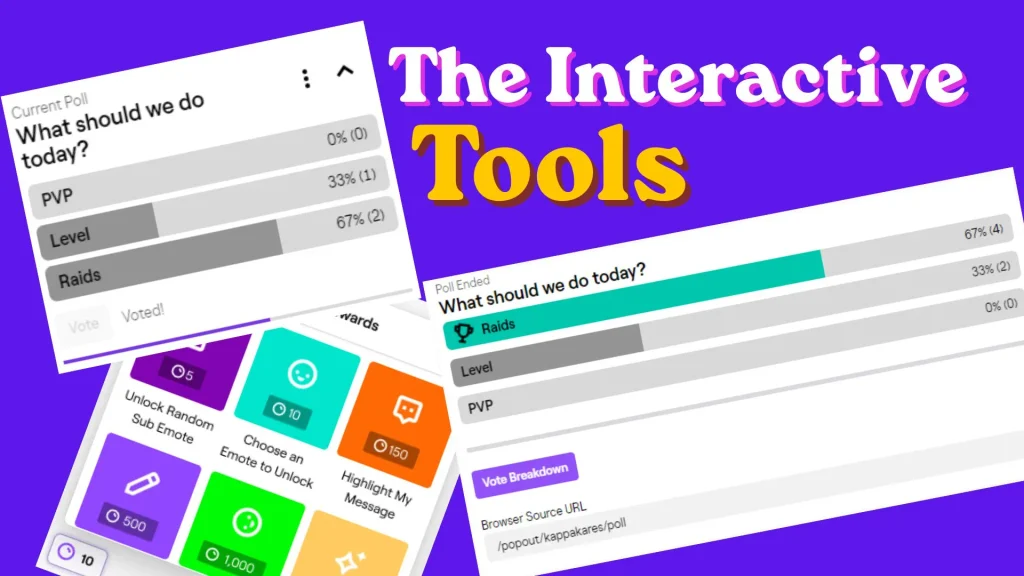
Let chat vote on something real
Polls and predictions are the simplest version of this. What game next, which route to take, yes or no on a purchase for the stream: it doesn’t have to be complicated. The point isn’t the decision itself, it’s that viewers know their vote actually did something.
Channel points, used properly
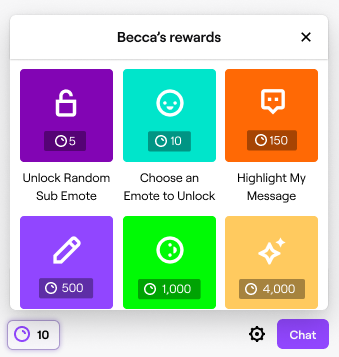
Channel points are one of the strongest free tools available, and a lot of streamers barely scratch the surface. Ironmouse is a good example of someone who leans on them heavily: her setup lets viewers spend points to highlight their chat message, and larger point amounts let them suggest videos for her to react to live on stream. It’s a small mechanic, but it gives every viewer, including people who’d never normally type into chat, a concrete way to participate.
Ideas worth trying:
- A sound effect tied to a redemption
- A “hydrate” or stretch reminder redeem
- Custom commands or small visual changes (hair color, outfit swap) for VTuber avatars
- A redeem that lets someone suggest the next topic or clip
Build your own points economy if you outgrow the built-in one
Some streamers eventually layer a bot-based loyalty system on top of native channel points, giving long-time viewers a separate currency for things like shoutouts, custom emotes, or picking a segment. It’s more setup, but for an established community it rewards the people who show up every single week specifically, not just whoever redeems first.
Give lurkers something to do without talking
Not everyone wants to type in chat, and that’s fine. Bingo boards built around your catchphrases or common in-game moments, session-based challenges, or a simple wheel spin all give quiet viewers a way to participate passively. Our Spinning Wheel and Random Image Wheel tools work well here: load in your options (games, dares, topics, even raid destinations) and let the wheel make the call live on stream. It’s a small ritual, but chats genuinely look forward to it.
Test things, don’t assume you know what chat wants
CodeMiko is probably the most extreme example of interactivity done well: her stream setup lets chat morph her character model, trigger animations, and influence what happens in real time. In interviews, she’s been open that there was no existing playbook for what interactive elements a chat actually enjoys, she built and scrapped tools by testing them live and watching what people kept coming back to. That’s the real takeaway for a smaller channel too: you won’t know if a redemption or a mini-game lands until you try it for a few streams.
Where to find more
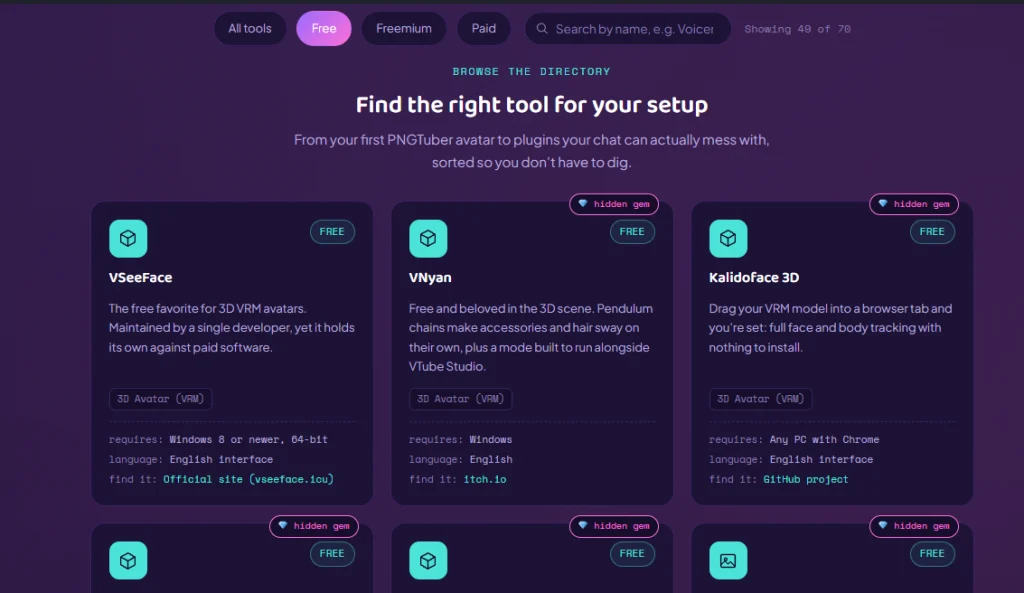
If you’re looking for chat bots, points plugins, or overlay tools to build any of this, our tools directory is filtered by budget (free, freemium, paid) so you can find something that fits your setup.
That wraps the series: make people feel welcome, keep the conversation alive when it’s quiet, then give them tools to actually shape the stream. None of it needs a huge setup, just consistency.